
Magento POS is a powerful point-of-sale solution that works hand in hand with the Magento platform. It lets you handle transactions, sales, inventory, and customer data—all in one place—to seamlessly connect your online and offline stores without lots of effort.
While it sounds simple, there’s more than meets the eye. Different types of Magento POS systems come with their own benefits and challenges.
In this article, we’ll explain what Magento POS is and help you decide on the best fit Magento POS software for your business.
What Is Magento Point Of Sale?
Magento POS is an integrated POS for the Magento platform. It allows retailers to process in-store transactions and sync up all sales-related data between their online Magento site and physical stores.
With real-time data syncing, businesses can track orders, inventory, and customer info all in one place—whether Magento website, physical store, pop-up shop, or marketplace. This keeps everything connected and makes managing both online and in-store sales much easier.
With Magento POS, businesses can enhance customer engagement by implementing flexible omnichannel loyalty strategies. This enables merchants to attract more customers and effectively boost sales volumes.

How Does The POS System Work?
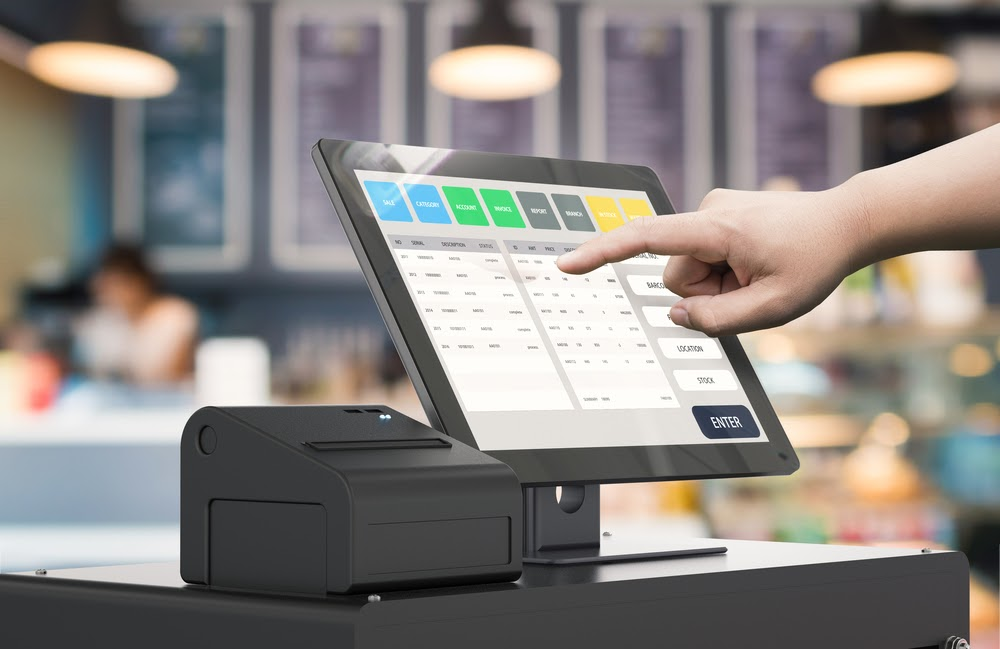
A POS (Point of Sale) system includes both hardware and software. Magento POS or Magento 2 POS follows the same structure:
- Hardware: Barcode scanners, card readers, receipt printers, and cash drawers.
- Software: Handles transactions, adds products, manages customers, SKUs, orders, and inventory.
While you can checkout and process transactions on PCs, laptops, tablets, or even smartphones, a complete POS with back-office features will work better on desktop or laptop computers.
So, how does a POS system operate? Here’s a simple breakdown:
- In a store, a sales associate scans the product’s barcode or utilizes the device’s camera to acquire pricing information. This occurs when a customer checks out online.
- The system computes the overall cost, including taxes, and then adjusts inventory levels accordingly.
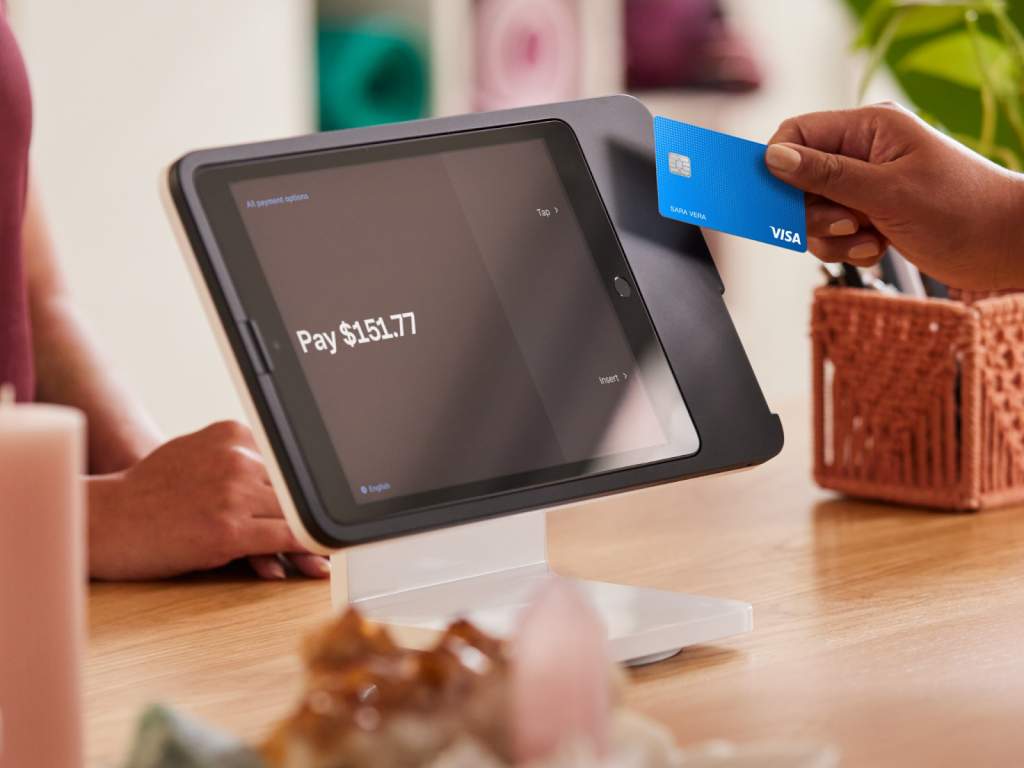
- Customers pay via credit cards, cash, gift cards, or loyalty points. Their bank then authorizes the transaction.
- After payment confirmation, the POS produces or sends a digital receipt.
- The technology communicates stock levels between Magento and the physical store to ensure proper tracking.
- The POS system stores sales data, manages customer profiles, and keeps track of purchases.
- If applicable, the system handles delivery or delivers the merchandise to the customer.

Magento Native POS vs. Magento Non-Native POS: Which is Your Match?
So, if you are a store owner on Magento and are looking for a Magento point-of-sale (POS) system, then you’ve got two choices — Magento native POS or Magento non-native POS. What is the difference, and which one should you choose? Let’s keep it simple.
Magento Native POS
Magento native POS is POS integrated directly with Magento without requiring a 3rd-party connector. This means everything is in sync in Magento’s backend – inventory, sales, customer, and purchasing data – no matter where you sell.
Pros:
- Real-time data updates: Keep your sales, inventory, and customer info accurate with instant synchronization.
- All-in-one platform: Manage both online and in-store sales effortlessly from a single system.
- Built for Magento: Designed to fit your business needs without extra customization hassles.
- Faster and smoother: Enjoy quick processing and a seamless user experience.
- Works offline, too: Some systems let you complete transactions even without the internet, syncing data once you’re back online.
- Highly customizable: Can be adjusted to fit the particular workflows and requirements of each business.
- Magento feature-rich: Take advantage of Magento resources and easily achieve Magento integration with POS systems, including extensions and plugins.
Take Magestore POS, for example. It operates seamlessly on any device with a web browser, thanks to Magento PWA POS (Progressive Web App) technology. Additionally, as a Magento Web POS solution, it shares the same database as Magento, ensuring smooth, hassle-free operations without concerns about data mismatches or delays.
Cons:
- Complex setup: Requires technical expertise, leading to higher initial costs.
- Limited standalone features: Works best within Magento but may lack flexibility when used independently.
Recommendation: If your business relies heavily on Magento and needs a fully integrated system, a Magento native POS is a great choice. Just be ready for a more involved setup process.
Magento Non-Native POS
A Magento non-native POS, or standalone POS, runs on its own and isn’t built specifically for Magento. It works with different eCommerce platforms such as Shopify, WooCommerce, Magento, Wix, etc via API integration (a third-party connector, integration platform, or middleware).
Pros:
- Versatility: Compatible with multiple platforms, making it ideal for businesses selling across different channels.
- User-friendly: Easier to set up and operate without extensive technical knowledge.
- Established support networks: Strong customer support and community forums for troubleshooting.
- Feature-rich: Offers diverse functionalities beyond Magento-specific needs.
Cons:
- Integration challenges: Some integrations might require generics or custom development to integrate really well into the Magento non-native POS system.
- Possibility of data sync delays: Real-time synchronization is not available with all Magento non-native POS systems.
- Extra costs: Extra connectors or other middleware will surely hike costs.
Suggestions: Magento non-native POS is a great pick if you sell on multiple channels or need extra features like multi-store management, flexible payments, and custom reports. It’s a solid choice for businesses that don’t want to depend entirely on Magento (now Adobe Commerce). Just be sure it connects well with Magento so you don’t have data problems.
| Criteria | Magento Native POS | Magento Non-Native POS |
| Data Sync | Real-time, accurate | Every few minutes, possible delays |
| Database | Unified with Magento | Separate, needs a connector |
| Integration | Built-in, no extra fees | Requires a third-party connector |
| Cost | One-time payment for a lifetime license | Monthly subscription + connector fees |
| Support | Single contact point for all issues | Multiple contact points (POS provider + connector), which may slow down issue resolution. |
Which One Should You Choose?
- If you want a seamless, fully integrated solution with real-time syncing and fewer headaches, go for a Magento native POS.
- If you already use a Magento non-native POS and don’t mind additional setup and costs, you can integrate it with Magento using a connector.
> Read more: Leveraging Magento Analytics for E-commerce Growth
9 Tips for Choosing The Right Magento POS?
Choosing a Magento POS system might seem overwhelming, but it doesn’t have to be. The key is to focus on what actually helps your business run smoothly rather than getting lost in a sea of features. Here’s how to make the right choice.
Start with What Your Business Actually Needs
Not every business has the same needs, and not every POS system will be the right fit. A retail store might need quick barcode scanning, while a restaurant has completely different priorities, like handling table orders. Think about how your business operates daily—what are the must-haves?
Skip the Unnecessary Features
It’s tempting to go for the most high-tech system with all the bells and whistles, but do you really need it? Focus on the essentials: tracking sales, managing customers, keeping an eye on inventory, and handling employees. If you’re planning to grow, consider an Adobe Point of Sale solution that scales with your business. Bonus points if it provides real-time stock updates and integrates seamlessly with your online store.
Customer Support Can Make or Break Your Experience
At some point, something will go wrong—that’s just how tech works. When it does, you’ll want a support team that helps instead of leaving you stuck. Check if they offer 24/7 support and multiple ways to contact them, like phone, chat, or email. A solid help center with step-by-step guides is also a big plus.
Don’t Get Blindsided by Pricing
A lot of POS systems look affordable at first—until you realize there are hidden fees everywhere. Be sure to check for:
- Monthly vs. one-time costs
- Extra charges for hardware like receipt printers and scanners
- Transaction fees that could eat into your profits
A free trial is great, but make sure you understand what you’re committing to in the long run.
Look at Real Reviews, Not Just Marketing Hype
The best way to determine whether a POS system is truly effective is by exploring real user experiences. Check reviews, participate in forums related to Magento (Adobe) POS, and consult other business owners for their recommendations. Honest feedback can guide you toward a suitable solution and help you avoid expensive mistakes.
Make Sure It Works with Your Hardware
If you already have barcode scanners, receipt printers, or card readers, double-check that your POS system supports them. Cloud-based options are even better since they can run on tablets and smartphones, giving you more flexibility.
Offer Multiple Payment Options
Customers expect choices when paying, and your POS should support them all—credit cards, mobile payments, and digital wallets like Apple Pay. Secure payment processing is also non-negotiable. The last thing you want is a system that leaves you (or your customers) vulnerable to fraud.
Syncing with Other Tools is a Must
A POS system should make your life easier, not harder. If it doesn’t include smooth Magento POS integration with your online store, accounting software, or marketing tools, it’s probably not worth the hassle.
Go for a System That’s Actually Easy to Use
If a POS system takes forever to learn, it’s going to slow your business down. Look for something intuitive and user-friendly so your team can get up to speed quickly. The simpler, the better.
> Explore more: Crucial Magento eCommerce Website Requirements for Success
Magento point of sale ensures real-time synchronization between online and in-store sales, keeping product data, inventory, and customer information updated across all platforms.
Magento 2 POS also includes Magento native order fulfillment, ensuring a smooth flow from order placement to delivery. This minimizes errors, speeds up fulfillment, and simplifies operations.
Wrapping Up
Selecting the proper Magento POS software can make a big difference in how smoothly your business runs. Whether you go for a native or non-native system, the key is finding one that keeps your sales, inventory, and customer data in sync.
Want to grow your Magento store even more? Selling with marketplaces? M2E Pro helps you connect Magento with Amazon, eBay, and Walmart. You can manage orders, update inventory automatically, and boost your sales without extra hassle.







1 comment
Your way of describing the whole thing in this paragraph is actually good,
every one be capable of without difficulty know it, Thanks a lot