Creating new products for Walmart can take time, especially when the item already exists in their catalog. With the latest update in M2E Pro, you can now skip that step and list your product by linking it to an existing Walmart catalog item.
No more duplicating what’s already in Walmart’s catalog. M2E Pro lets you list your Adobe Commerce (Magento) products faster and concentrate on growing your sales.

What’s new in the Walmart listing process
The overall Walmart listing process in M2E Pro stays the same, but there are two important updates:
- Product Type is now optional.
If a Product Type is assigned to an item, M2E Pro will use it to determine how to submit the product to Walmart. If the Product Type isn’t configured, the system will try to match your item using its Product Identifier (such as GTIN, UPC, or EAN).
In case a match is found in Walmart’s catalog, your product will be listed under that existing item.
- Linking to an existing item works for Simple products only.
If your item has variations (like size or color), you’ll need to follow the regular listing flow and specify a Product Type in M2E Pro.
Condition is now part of the Listing settings
Instead of managing the condition at the product level, you can now define it for each M2E Pro Listing and align your catalog data with Walmart’s expectations.
You can set the Condition during the first step of creating a new Listing. To update the condition for an existing M2E Pro Listing, click Edit Settings > Configuration from the Listing actions menu.
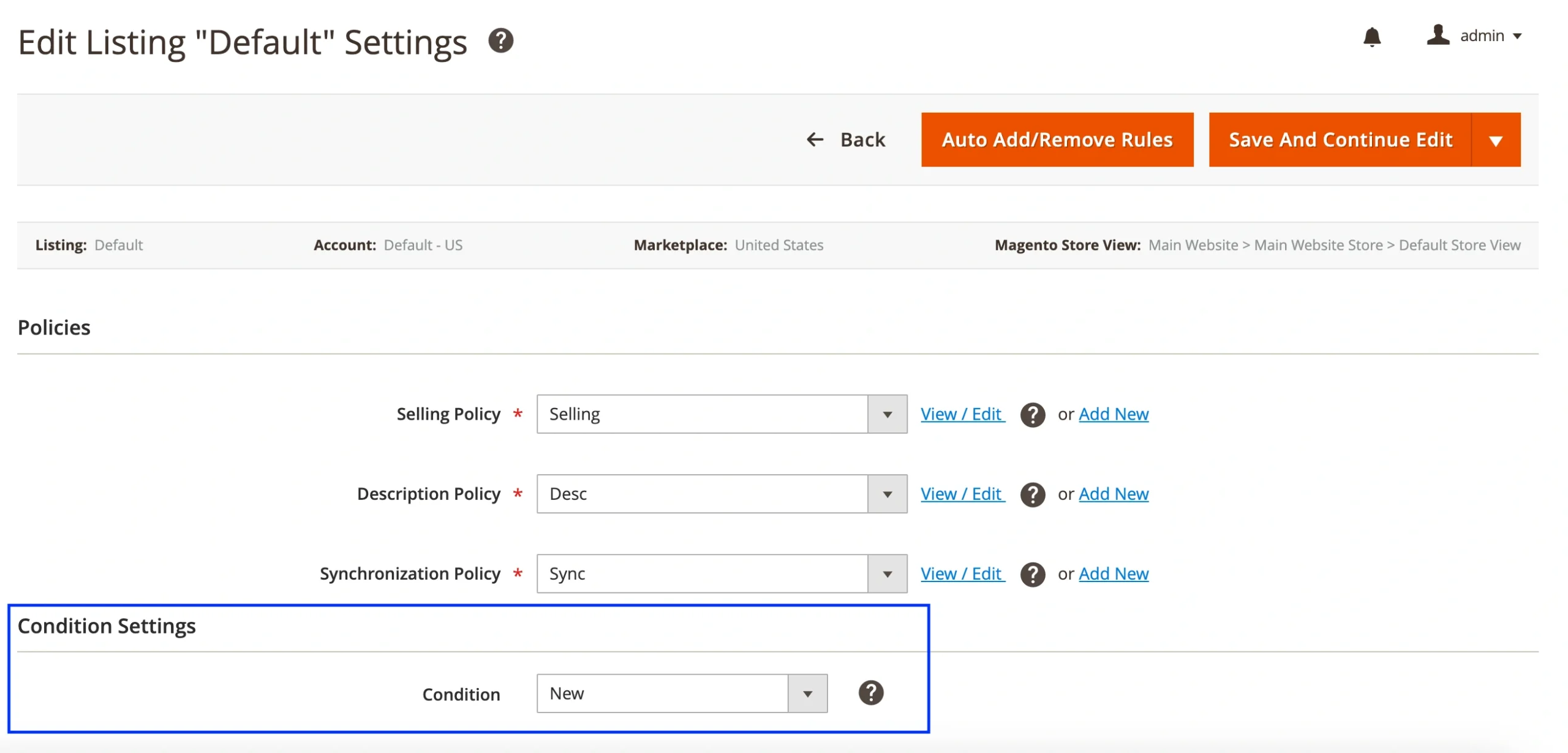
You can choose one of the two options when setting the item’s condition:
- A Recommended Value from Walmart’s predefined list
- A Magento Attribute that contains the condition value.
Walmart supports the following condition options:
- New
- New without box / without tags
- New with defects
- Pre-Owned: Like New / Good / Fair
- Remanufactured
- Open Box
Available in the latest M2E Pro for Magento 1 & 2
These improvements are available in the latest M2E Pro versions for Magento 2 and Magento 1. To take advantage of the new listing logic and condition settings, be sure to upgrade to the newest version.
Summary
Save time by listing your Simple products under existing Walmart catalog items. It’s a faster, more efficient way to get your products live.
If you need help setting up your Walmart listings, feel free to reach out to the M2E Pro support team.